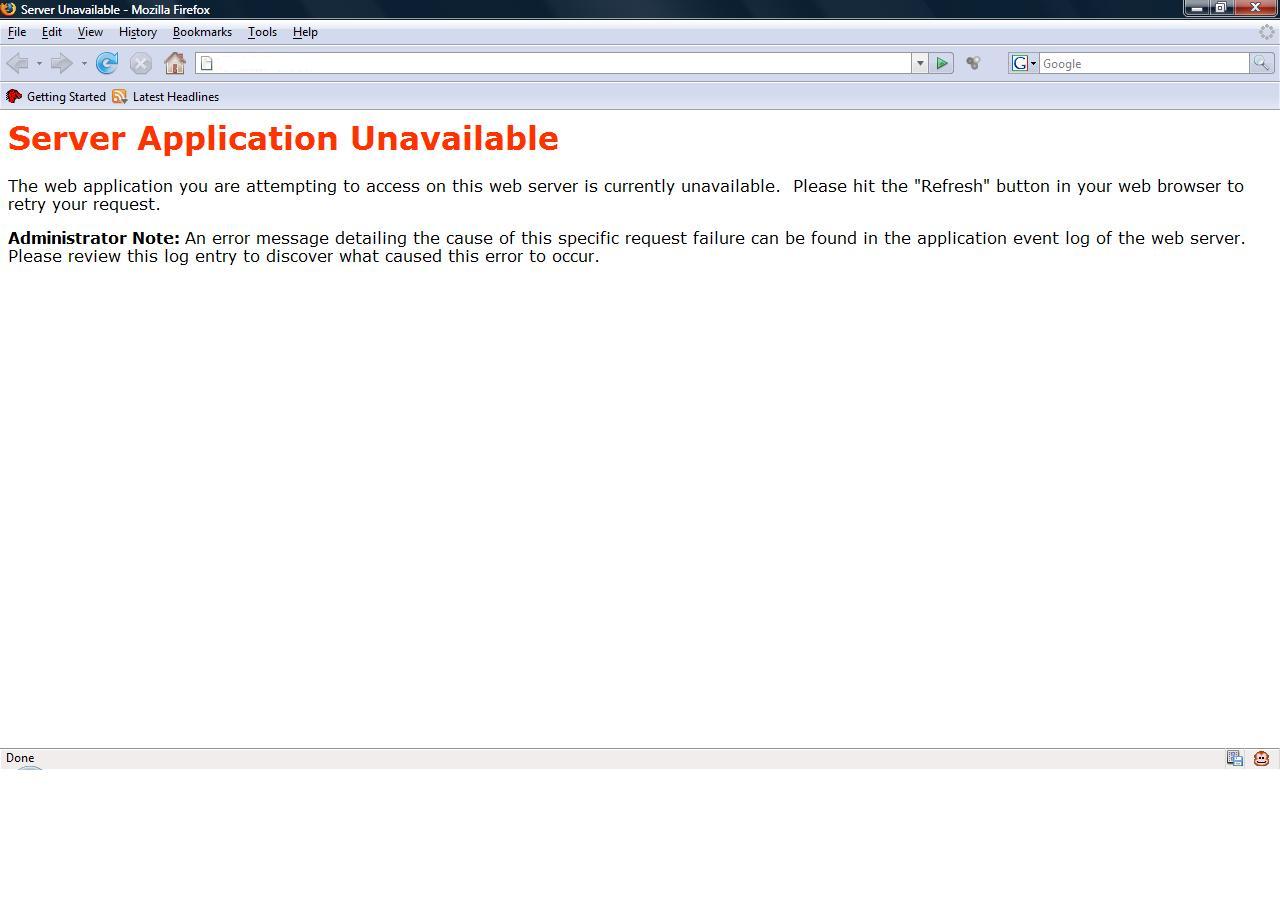
Server Application Unavailable

I have several clients getting this error on their APS.Net apps on Win27. I have seen the error on one of them both late last night and around 5 MST today.

Other clients on win26 are getting ASP.Net out of memory errors.

Is something going on on the the network?

Andy

Andy, can you please create ticket with domain name so that we can check it quickly as we don’t see any issue on this server.

JPT-44229-245

I had a 3rd client report this this morning.

we reply that ticket.

Same problem here on very high-profile client; ticket #REZ-52649-552

And now another client. So new their domain is not even transfered.

http://d7745150.z122.wobbooksite.com/admin/default.aspx

I find it hard to believe it is not server related since it is only my clients on Win27. All my clients run the same software that I supply.

Andy

Hi There,

I’ve one client on WIN27 and getting the same error every now and then.

Ticket Id : CFU-76988-574

Kindly assist.

Regards,
Sriram

The same error again.

Screenshot attached for your perusal.

Regards,
Sriram

This kind of error comes when the application pool is not proper meaning to say if the site having asp.net1 is placed under the pool for asp.net2 you will see error as
[COLOR=“Red”]
Server Application Unavailable

Here it will be in RED.

Just open up a ticket and we can fix the proper pool for the site.

Hi Pratik,

Thank you very much for that.

Ticket Ids related to this issue are : 1) CFU-76988-574
2) IKN-90447-731

And also may i request you to look into the issue LPZ-68988-514. I’m facing a lot of hardship as i cannot see the update on the tickets that i’ve opened as the tickets are being shown in the Ticket History. This is the reason why i’m opening multiple tickets as and when i have an update related to the same issue.

Regards,
Sriram

Hi Pratik,

Thanks for the quick resolution.
Just out of curiosity, i would like to know what exactly is the Application pool.? Is it the ASP.NET version..?

Regards,
Sriram

I can do that for my recent sites. Is there a way to do this myself? If I turn off asp.net and turn it back on will it put it in the proper pool.

Is this going to be an ongoing issue until I move my app to 2.0?

Andy

This is exactly what we’ve been experiencing. This is very distressing, as this has been going on for many days without resolution. Please do all that you can to resolve this.

I have checked most of the domain and there application pools, have found a few which have been moved to there respective pools now.

I will keep checking and get this done.

Down again! What do we need to do to fix this!!! X( X( X( :frusty: :frusty: :frusty: :mad2: :mad2: :mad2:

I have replied your ticket and i guess, you got my point and working on it with your Client :slight_smile:

And I just replied back; Let’s see if this can be figured out via ticket and if not, perhaps I’ll revive the forum version of this discussion in the customer-only area.

I made some changes for your domain on server side. Kindly, check it now and let us know if you still having issue.

down again…all day this time…Taking this to the customer only area

i just now checked as well and now i have moved it again to a dedicated pool so no other site but your’s is being served by this pool. Also we have kept an alert for your site which we shall monitor.